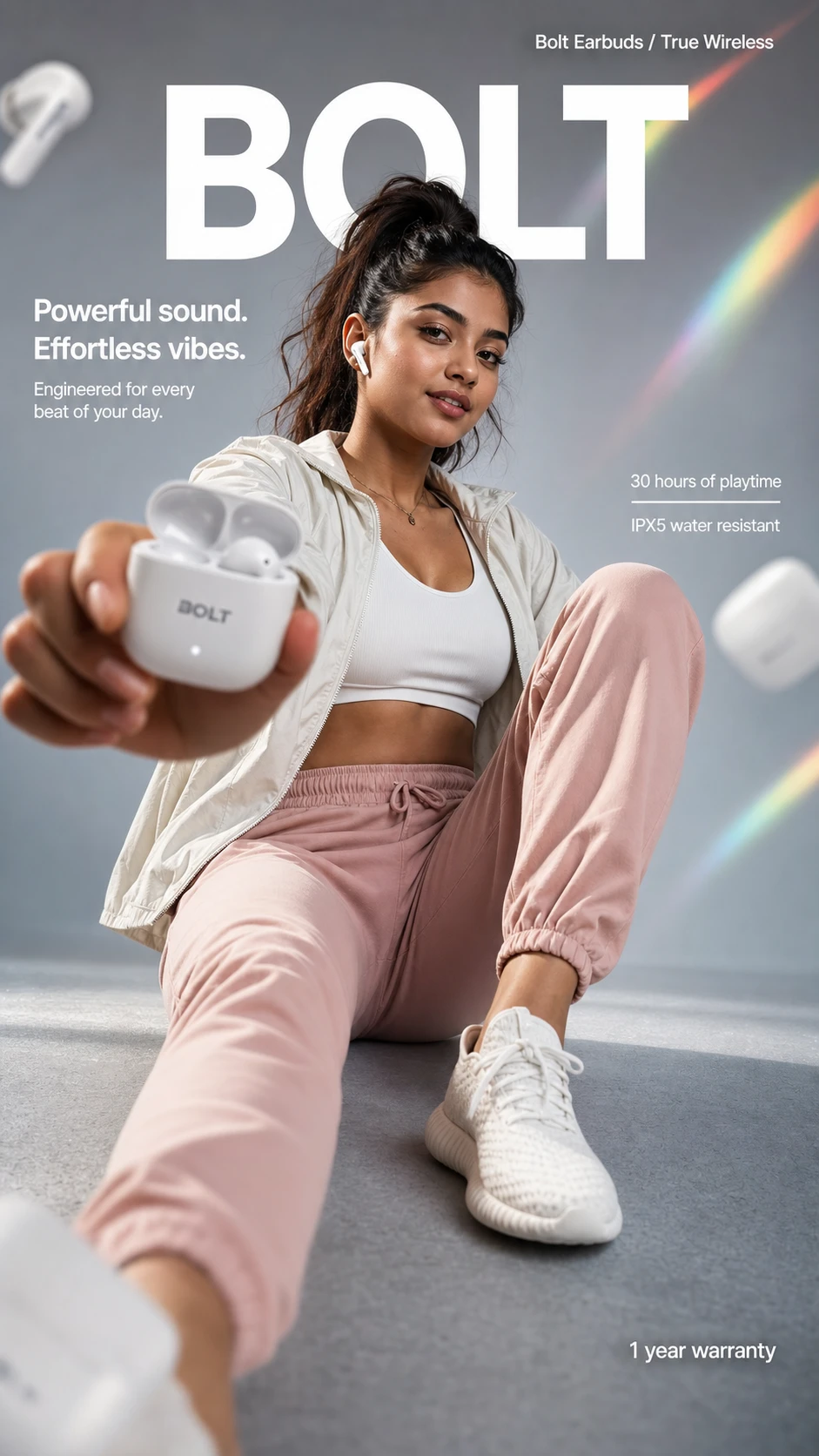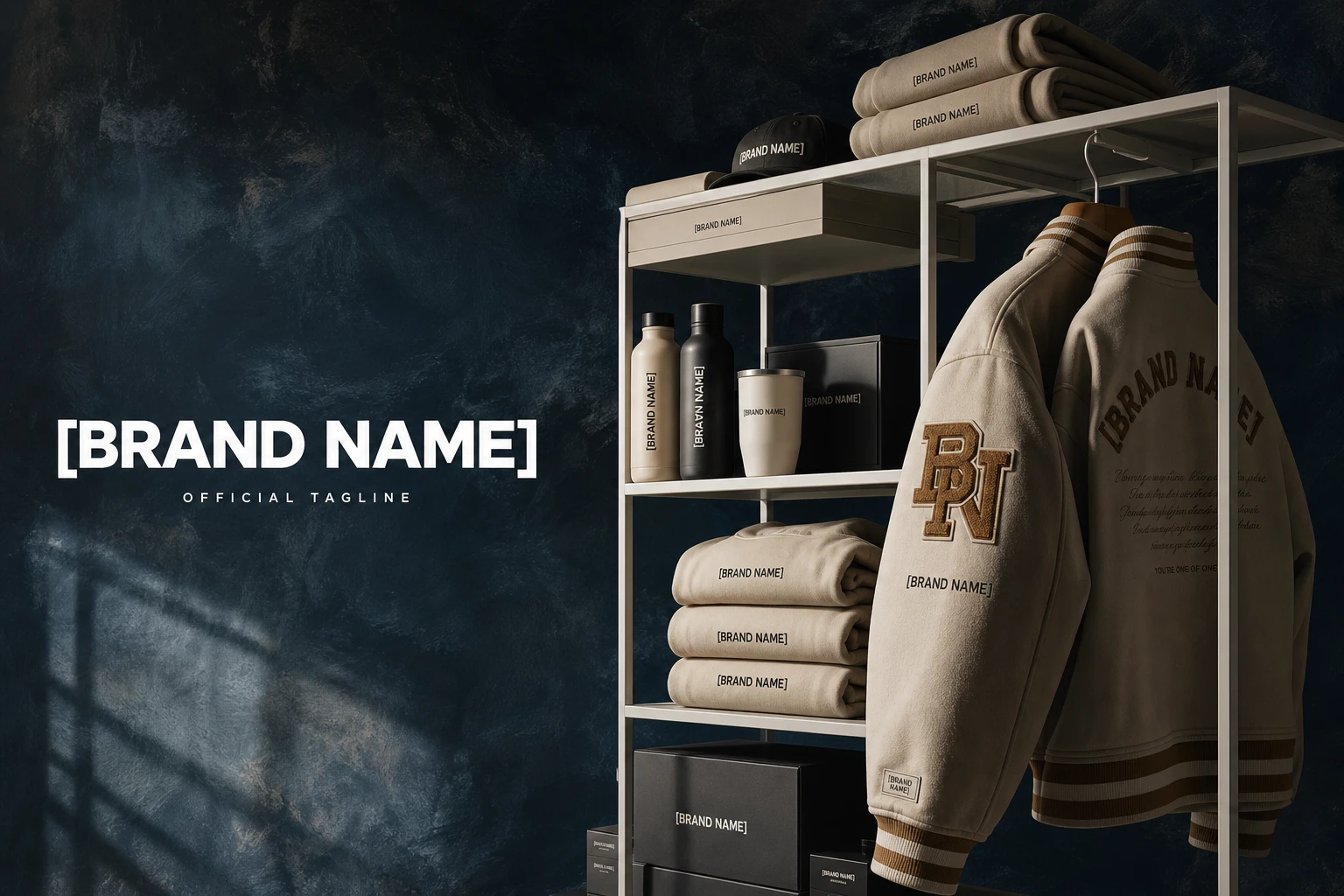
这条 prompt 详细描述了如何将一个图像中的主体转换成哥特风格,适用于需要强调个性化和独特风格的中文营销场景,如时尚品牌推广或万圣节活动宣传。
cross-border
中文 Prompt
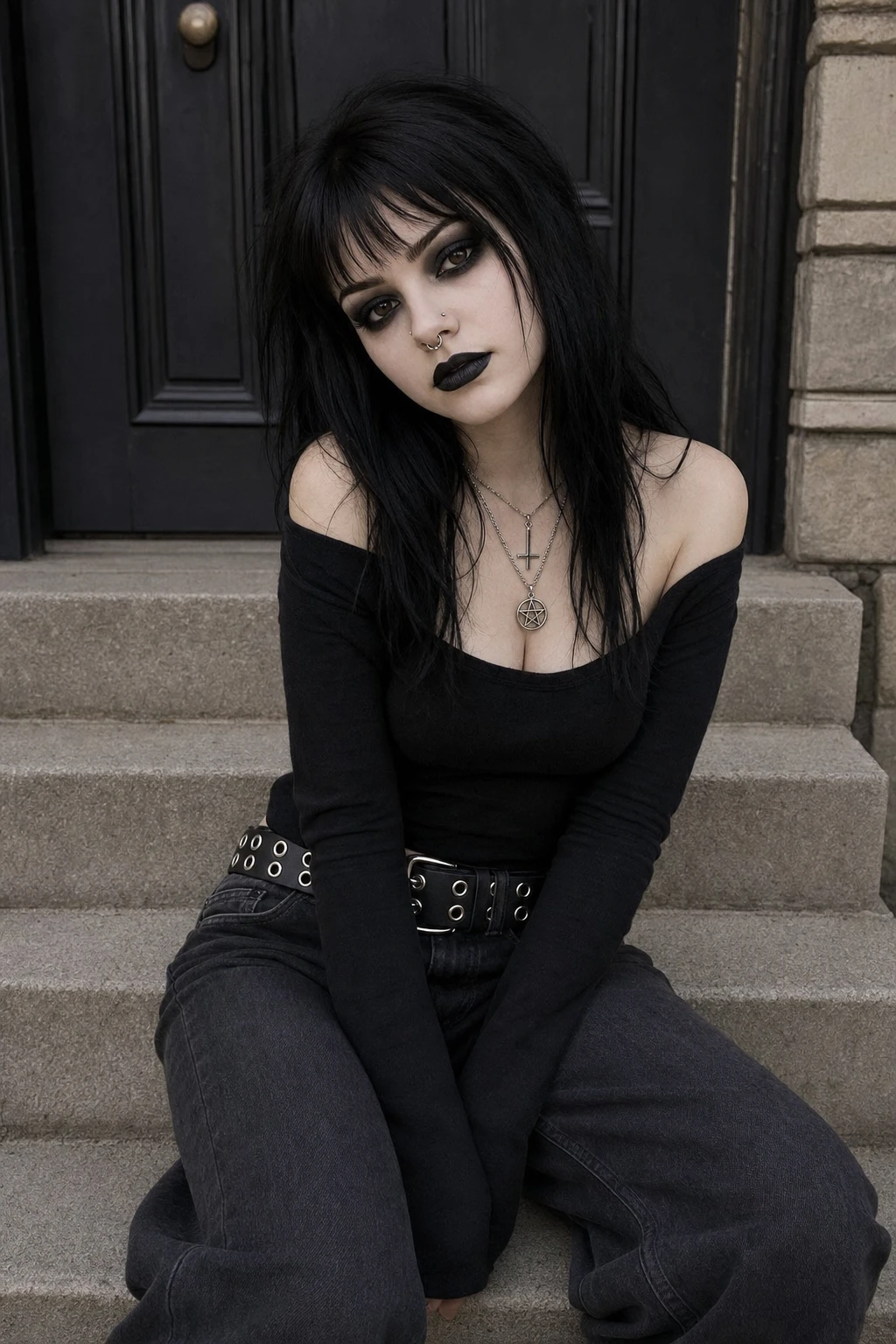
使用 REFERENCE_0,将主题的外观转换为{argument name="style" default="传统哥特式"}风格,同时保持其姿势、服装结构和背景不变。将她的头发改为{argument name="hair color" default="黑色"},发型为{argument name="hair style" default="参差不齐的刘海"}。应用浓重的深色妆容,特别是{argument name="lip color" default="黑色"}口红和浓郁的深色眼影,并使她的肤色稍微苍白一些。添加两个面部穿孔:鼻中隔环和鼻孔钉。最后,修改她层层叠叠的项链,使其挂坠为{argument name="necklace pendants" default="倒十字架和五芒星"}。
查看英文原 Prompt(保味自跑用)
Using REFERENCE_0, transform the subject's appearance to a {argument name="style" default="trad goth"} aesthetic while preserving the exact pose, clothing structure, and background. Change her hair to {argument name="hair color" default="black"} with {argument name="hair style" default="choppy bangs"}. Apply heavy dark makeup, specifically {argument name="lip color" default="black"} lipstick and intense dark eyeshadow, and make her skin tone slightly paler. Add 2 facial piercings: a septum ring and a nostril stud. Finally, modify her layered necklaces to feature {argument name="necklace pendants" default="an inverted cross and a pentagram"}.想用这个 Prompt 自己生成一张?
查看生成方法懒得抄 prompt?这些填空模板直接用
全部 3 个 →把 {变量} 换成你的产品 / 文案,复制即用,无需懂 prompt 工程。